短片样片 · 33 秒Sample reel · 33 seconds
位图当舞台,代码画会动的部分Bitmaps are the stage; code draws what moves
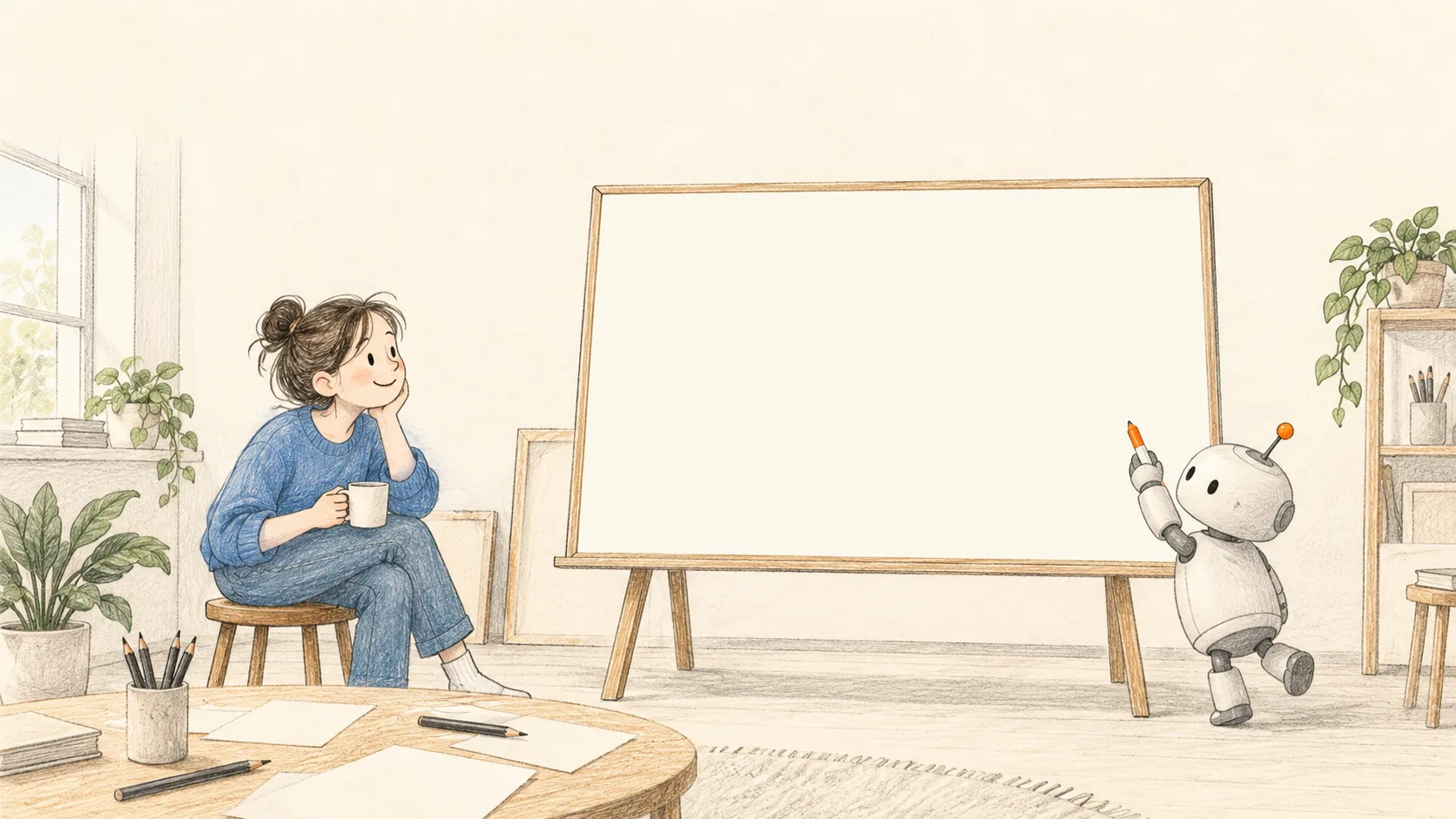
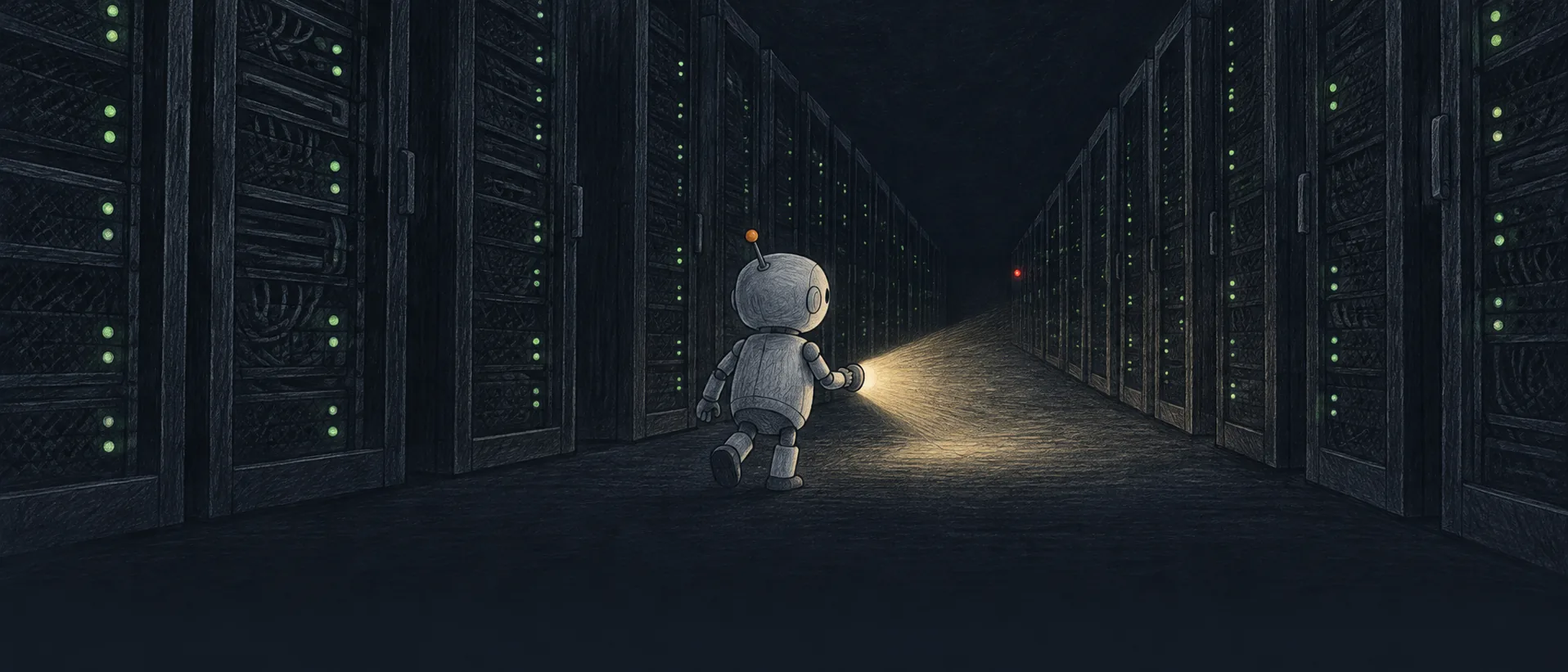
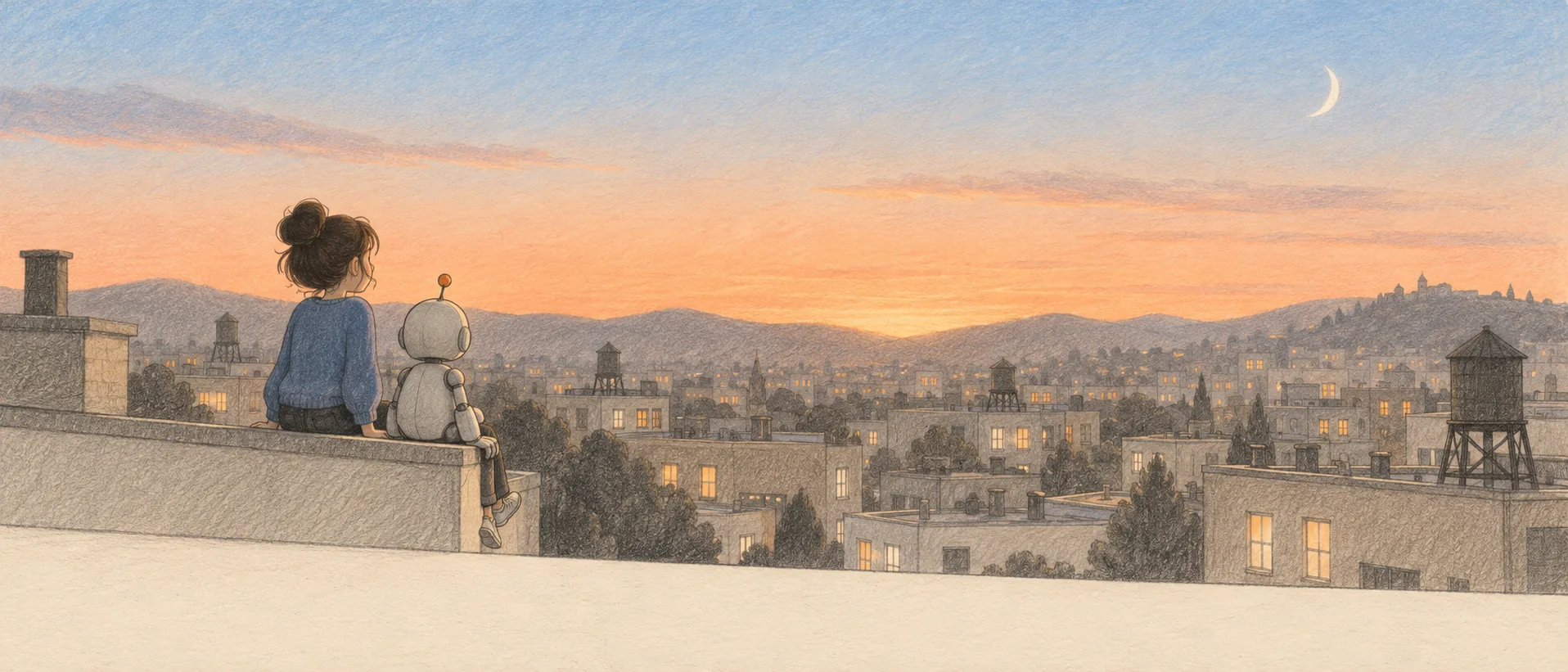
四个镜头加片尾。画面是出图模型画的,镜头推拉、圈红灯、代码讲解和片尾手写字是代码画的。整段挂在一条时间线上:拖进度条看任何一秒,导出视频时逐帧取同样的画面。Four shots and an end card. The image model drew the scenes; the camera moves, the ring around the red light, the code explainer and the hand-lettered title are code. All of it hangs on one timeline: drag to any second, and a video export takes the same pictures frame by frame.
做成视频:node skills/graphite-design/scripts/export.mjs video "demos/graphite-design/reel.html?export=1" reel.mp4 --size=1280x720 --fps=30。下面就是这条命令导出的成片。To video: node skills/graphite-design/scripts/export.mjs video "demos/graphite-design/reel.html?export=1" reel.mp4 --size=1280x720 --fps=30. Below is what that command produced.
怎么搭的How it is built
- 一个函数决定每一秒。One function decides every second.
render(t)算出每个镜头的透明度、镜头缩放和平移,再把镜头里的图拨到它自己的时间(镜头开始后过了多久)。播放、拖动、导出都只调它。render(t)works out each shot's opacity, zoom and pan, then sets the figures inside to their own time (seconds since the shot began). Play, scrub and export all just call it. - 镜头运动只用缩放和平移。Camera moves are zoom and pan. 第二镜朝红灯推近 12%,第四镜往左平移;叠在画面上的圈和画面在同一个容器里,一起被推近。Shot two pushes 12% towards the red light; shot four pans left. The ring sits in the same box as the picture, so it moves with the camera.
- 字幕不跟镜头走。Subtitles stay put. 字幕条在所有镜头上面一层,镜头怎么推,字都在同一个位置。The subtitle bar sits above every shot; however the camera moves, the words stay in place.
- 代码讲解那一镜快放了 1.25 倍。The code shot runs at 1.25×. 图例本身 13 秒,镜头只有 10.5 秒:把时间乘 1.25 拨进去就行,不用改图。The figure is 13 s long and the shot 10.5 s: multiply the time by 1.25 when setting it; the figure itself is untouched.