拿去用:壁纸、封面、角色、贴纸Take them: wallpapers, covers, characters, stickers
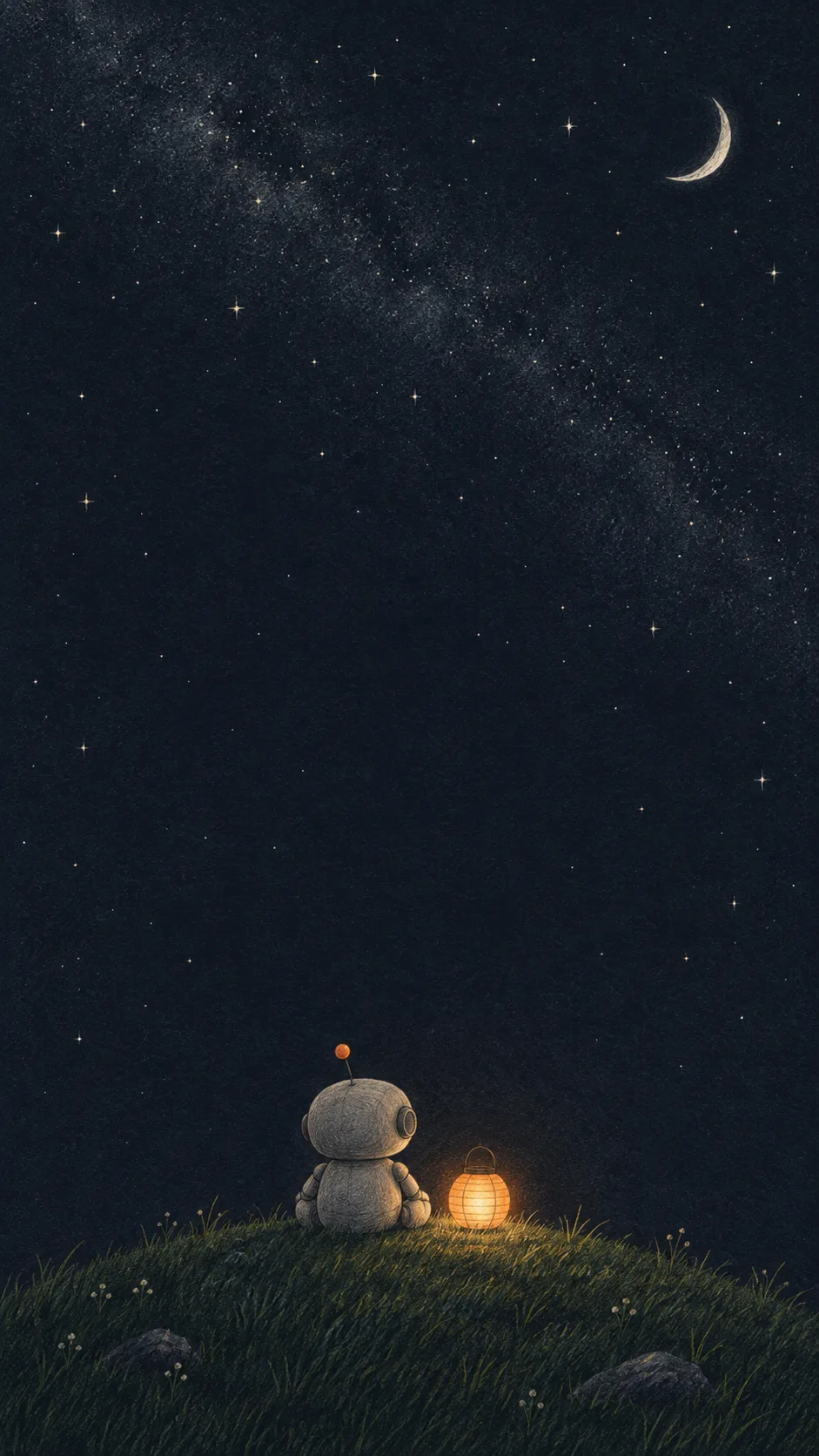
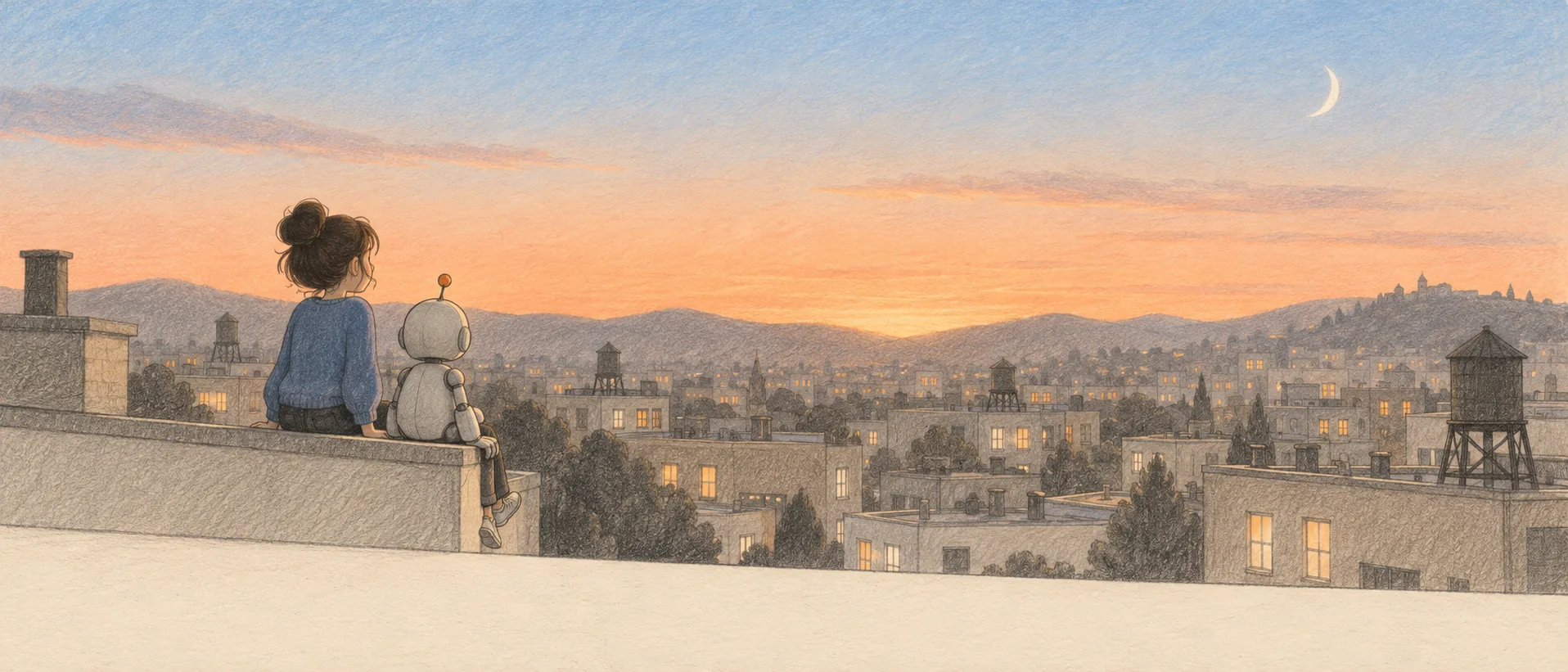
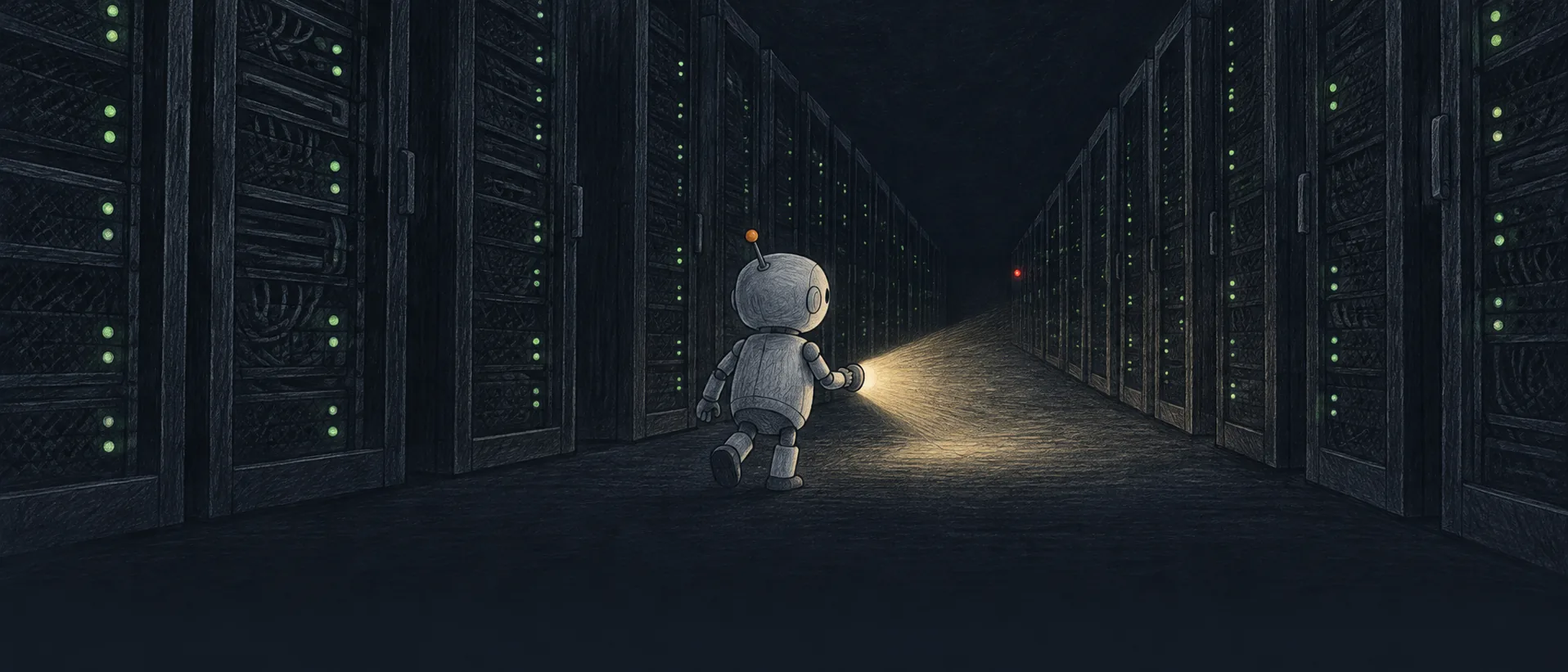
位图由本机 Codex 调 gpt-6-astra 画,像素尺寸写在每张下面,没有放大过;代码画的 SVG 可以无损放大,也能改颜色和字。提示词原文、参考图和挑选理由都记在 references/image-prompts.md,拿去照着出自己的一套。The bitmaps were drawn by gpt-6-astra through the local Codex CLI; each shows its real pixel size, none are upscaled. The code-drawn SVGs scale without loss and take new colours and words. Prompts, reference images and why each was picked are in references/image-prompts.md — reuse them for your own set.
壁纸Wallpapers
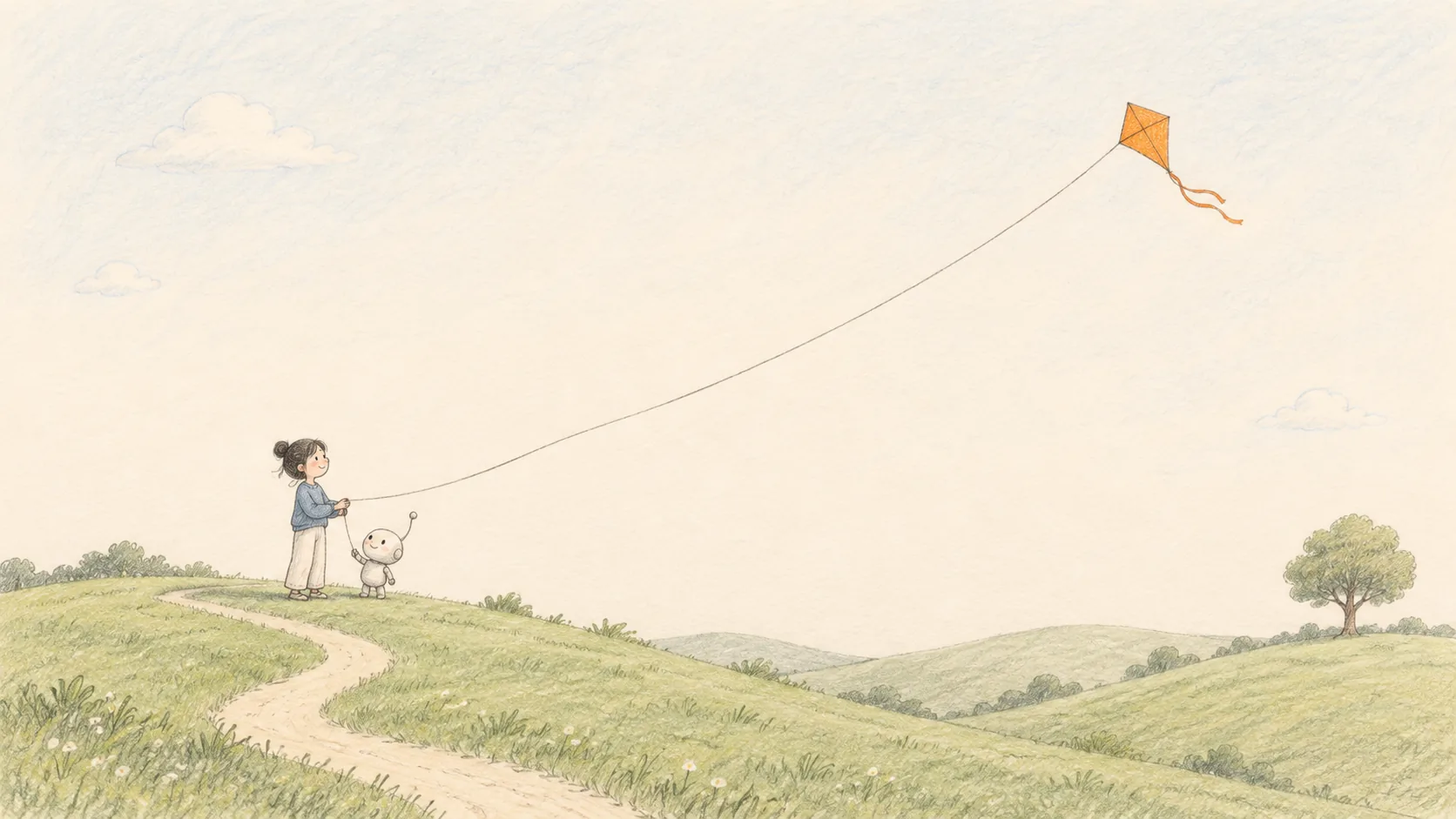
电影画面和插画Film stills and illustrations
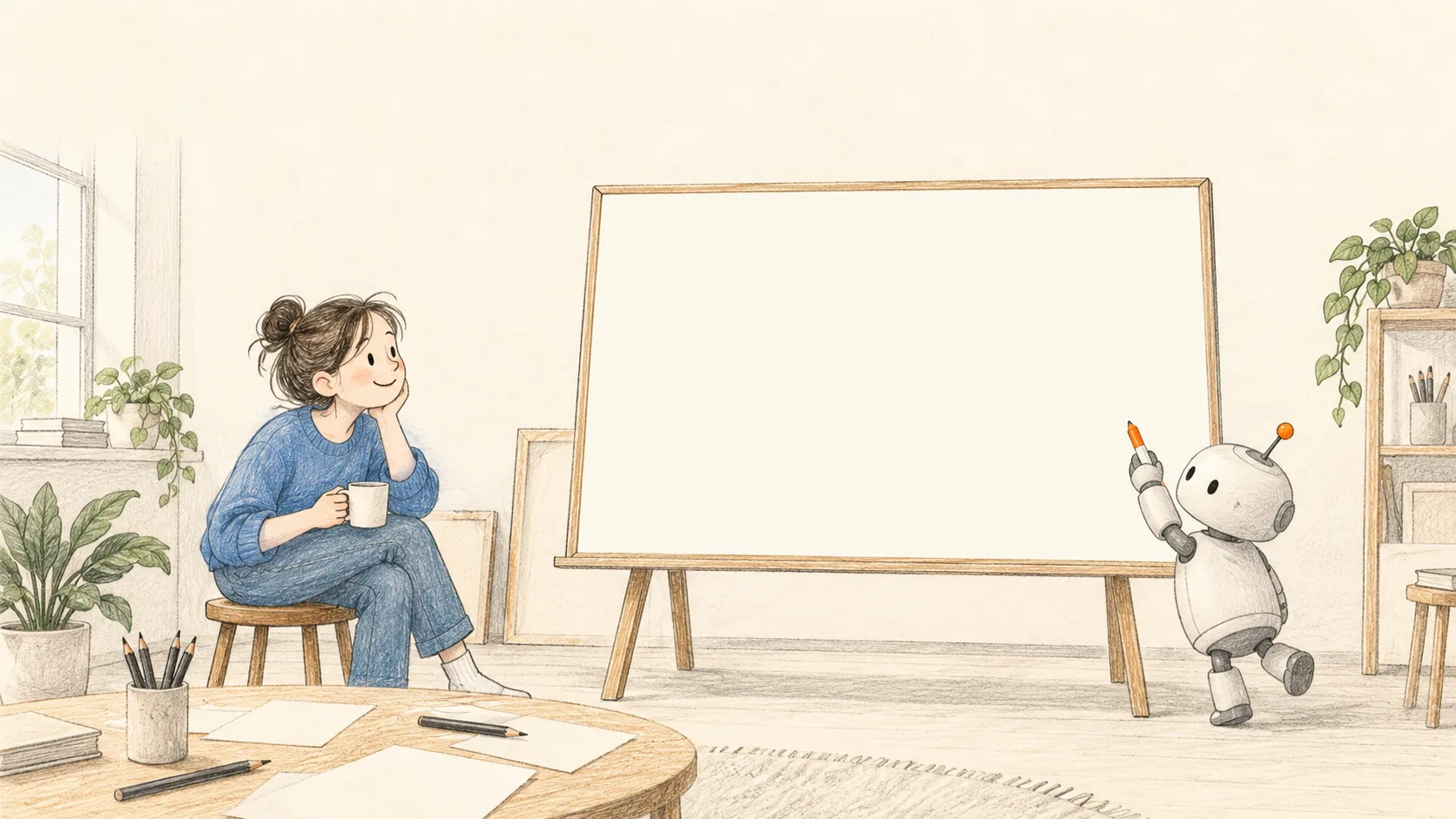
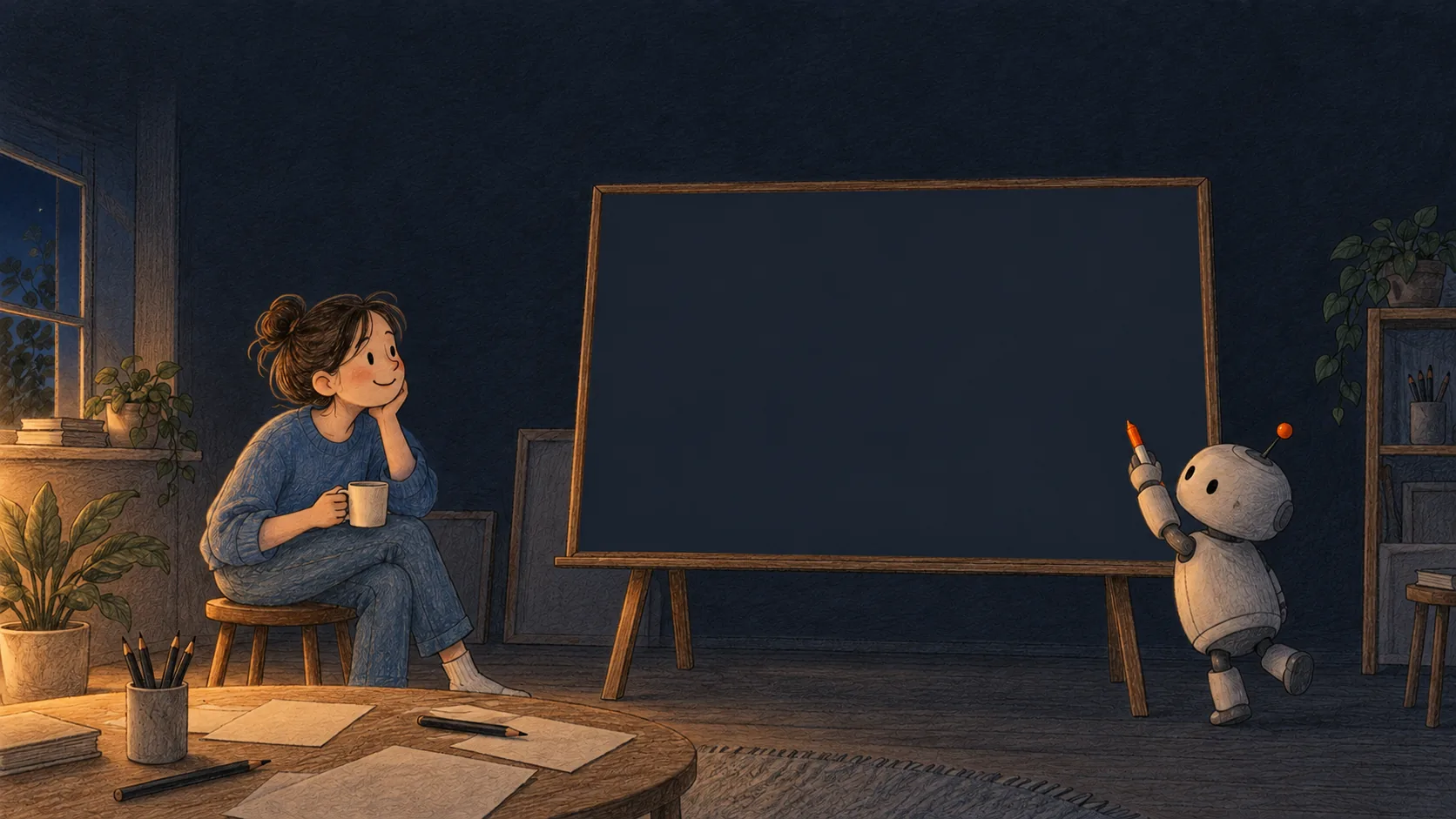
竖屏视频封面Vertical video covers
图里一个字都没有,上面留一大块空白;标题是网页上的字,叠在图上,改字不用重新出图。发到短视频平台时,右边一列和底部会被按钮、文案挡住,标题放在上面这块空白里正好避开(见图例库「短视频画面」)。No words in the pictures, and a large empty band at the top. The title is page text laid on top, so changing it needs no new image. On short-video apps the right column and the bottom are covered by buttons and captions; a title in the top band stays clear of both (see "Video frame" in the figures).
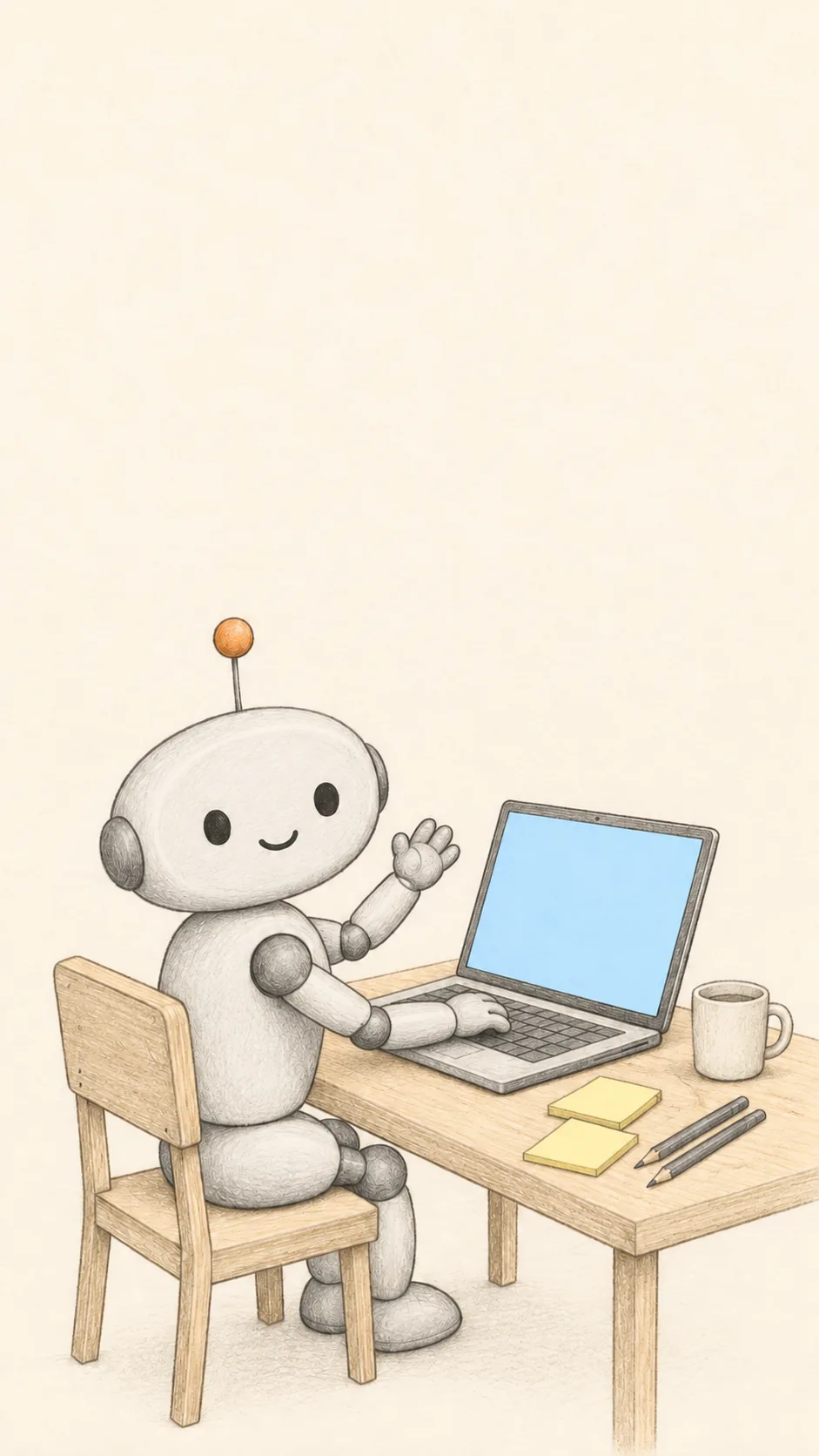
一行代码在做什么What one line of code does大白话讲代码 · 第 1 集Code in plain words · ep. 1
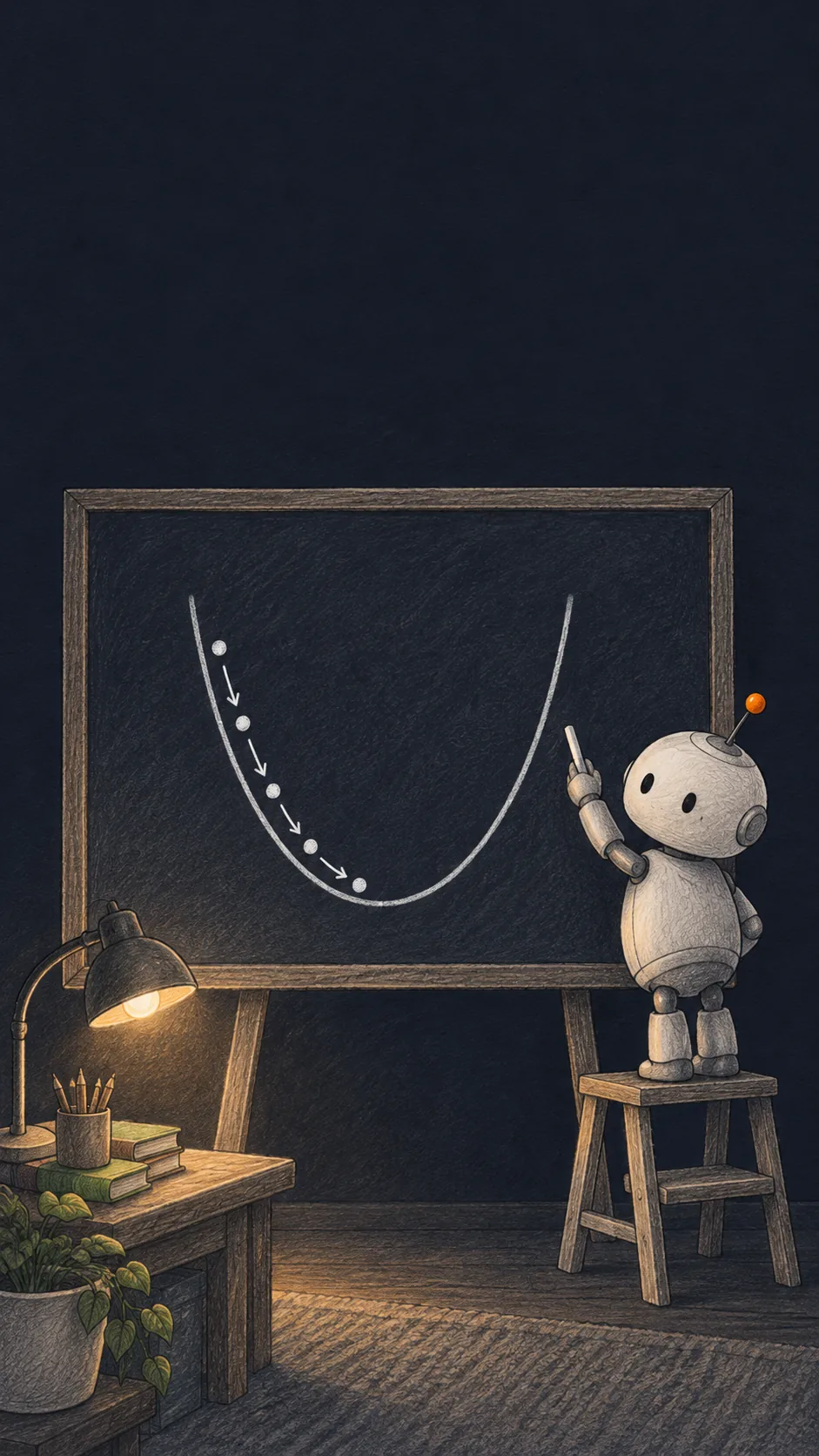
梯度下降,三分钟Gradient descent in three minutes数学原理 · 夜读Maths, after dark
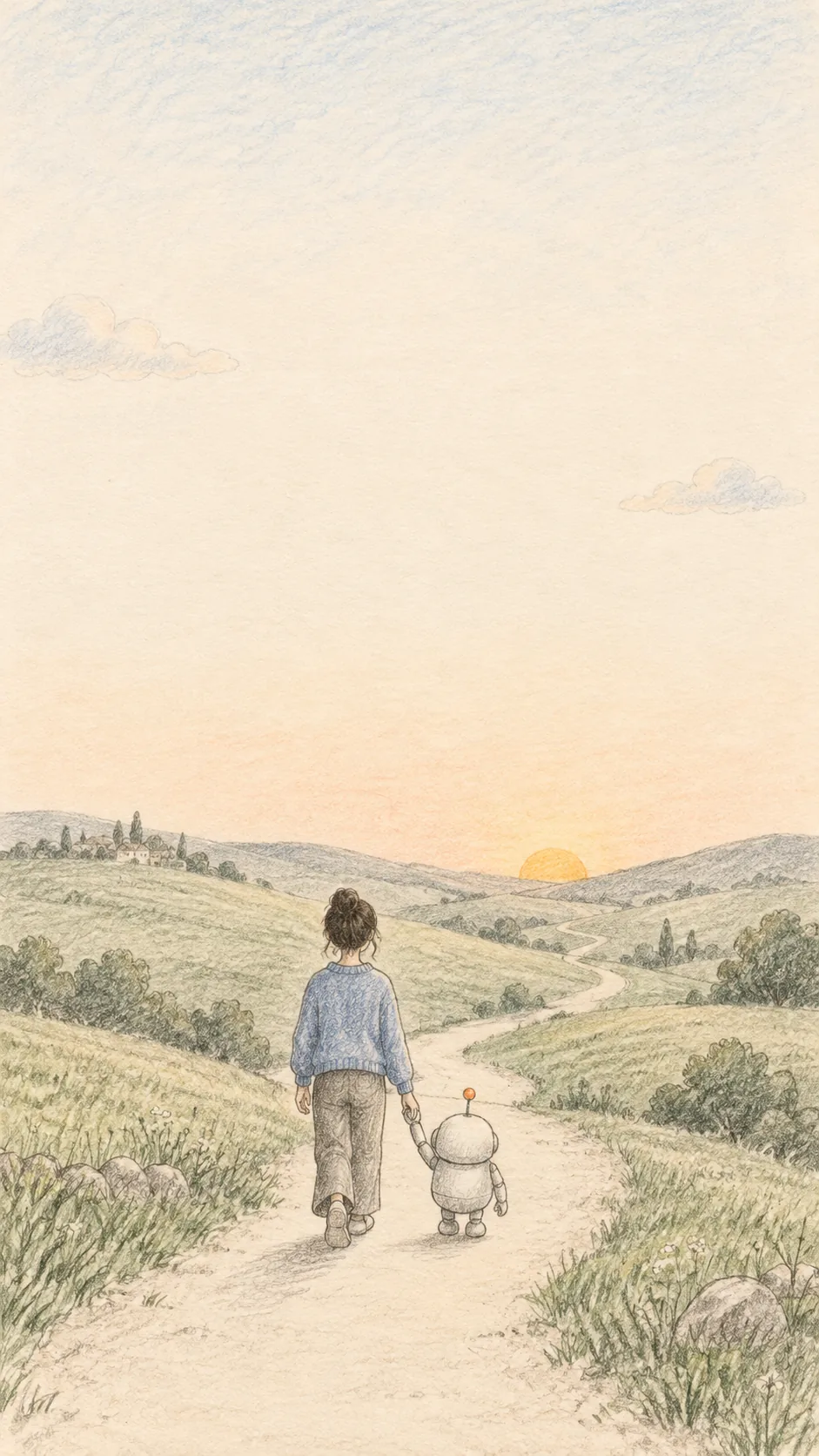
和 AI 一起走一段A walk with an AI周末随笔Weekend notes
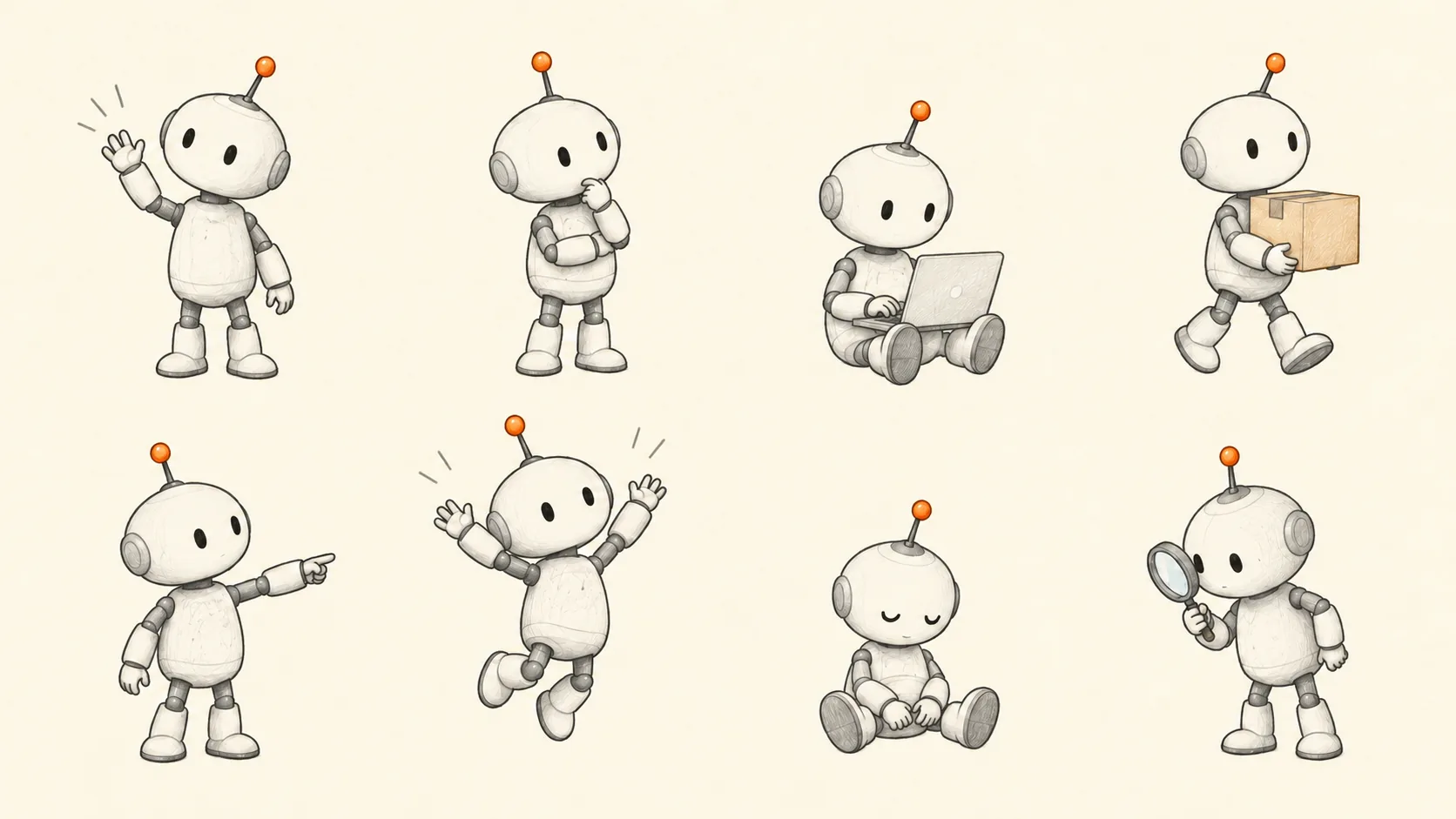
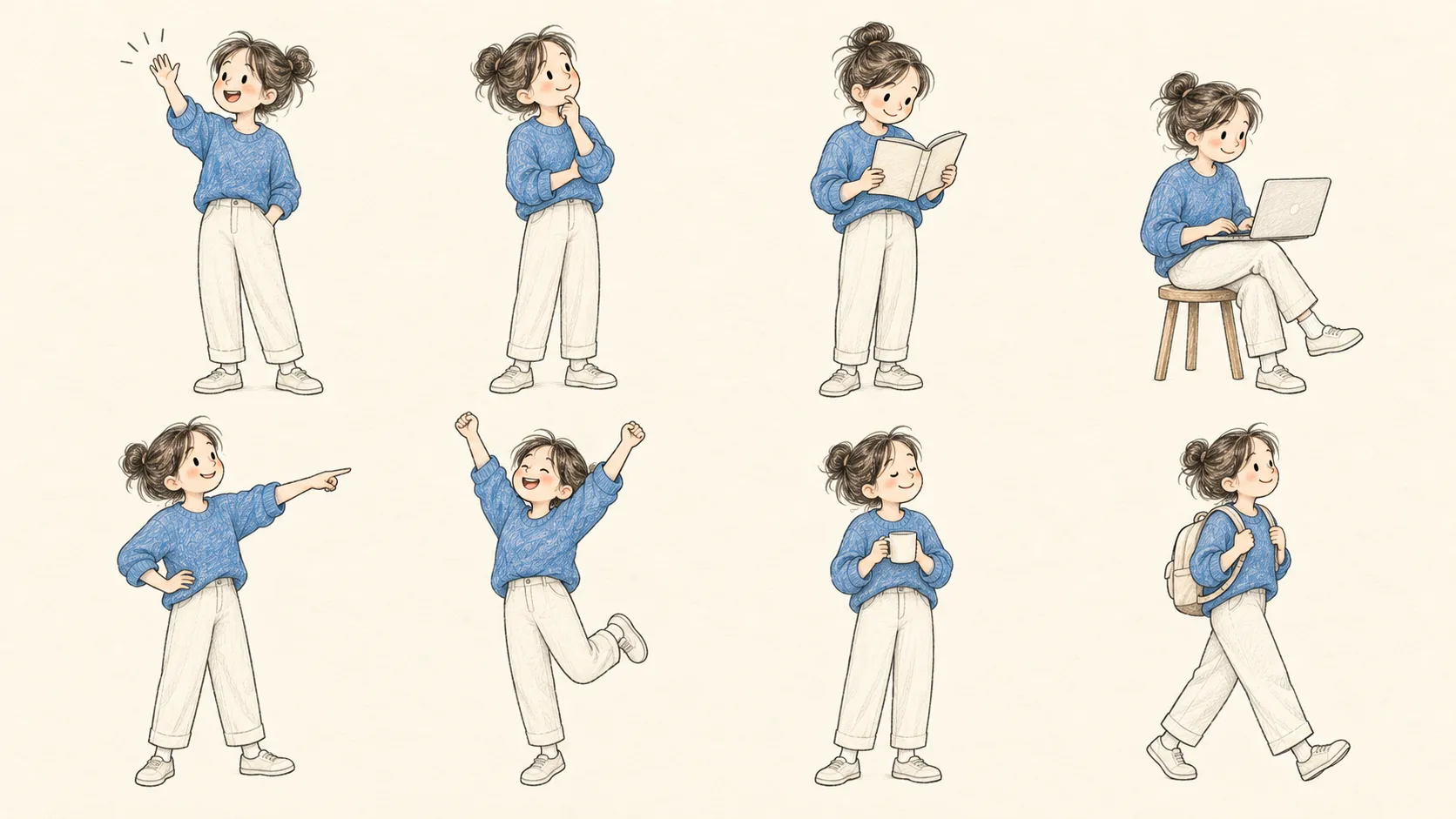
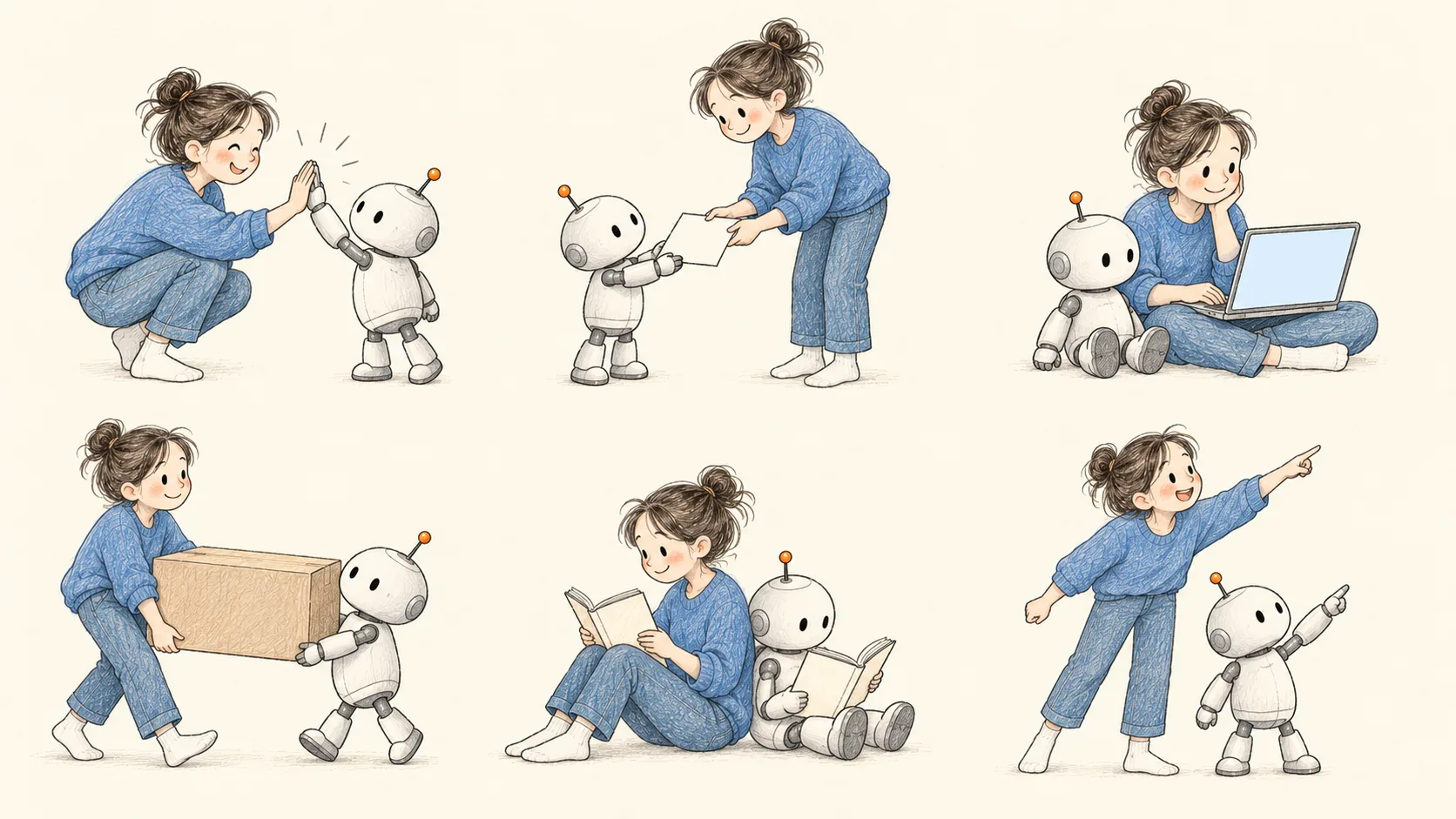
角色姿势表Character pose sheets
同一套角色,和首屏插画是同一个机器人、同一个人。背景是纸色(约 #fcf7e5),不是透明的:放在浅色页面上加 mix-blend-mode: multiply,纸色就和页面融在一起;要单个姿势,裁下来用。The same cast as the hero picture: same robot, same person. The background is paper (about #fcf7e5), not transparent: on a light page add mix-blend-mode: multiply and the paper melts into the page; crop out any single pose you need.
代码画的 SVG:贴纸、批注、视频画面Code-drawn SVG: stickers, marks, video frames
单独的 SVG 文件跟随系统深浅色,打开就会自己画一遍。要 PNG 或 MP4:node skills/graphite-design/scripts/export.mjs png 文件.svg 输出.png --scale=3。The standalone SVGs follow the system light/dark setting and draw themselves when opened. For PNG or MP4: node skills/graphite-design/scripts/export.mjs png file.svg out.png --scale=3.


