用铅笔,把一件事讲清楚Explain it in pencil
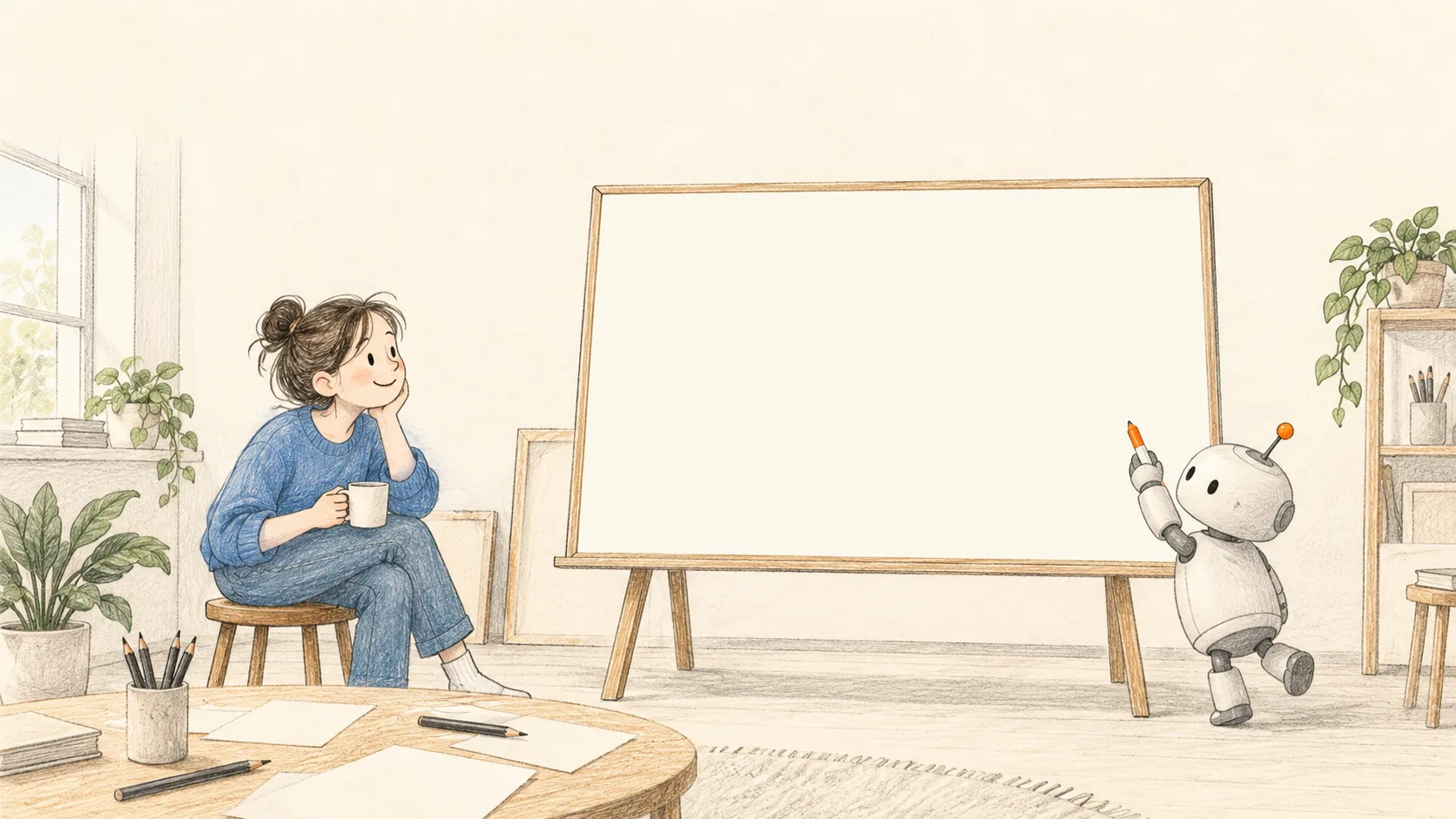
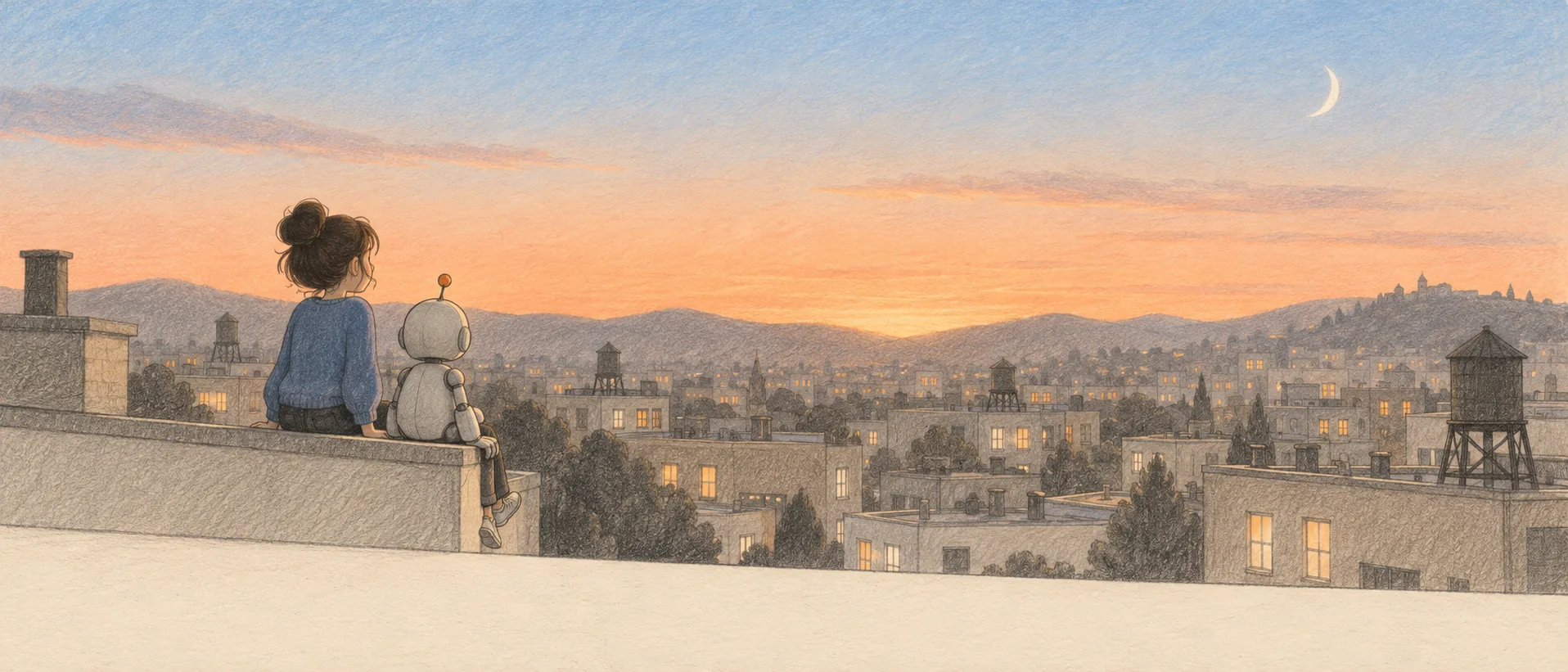
暖纸、石墨线、几支彩铅。画面像随手画的草图,一笔一笔按讲故事的顺序画出来。拿它做讲解页、短视频、动图、壁纸都行。上面这幅插画是出图模型画的,白板上那张图是代码当场画的,两者叠在一起用。用得越久,它越懂你喜欢什么样的画。Warm paper, a graphite line, a few coloured pencils. It looks like a quick sketch and draws itself stroke by stroke, in the order a story is told. Use it for explainer pages, short videos, animations, wallpapers. The picture above came from an image model; the diagram on the whiteboard is drawn by code, live, on top of it. And the longer you use it, the better it knows the drawings you like.
这五样就是这个画风,别的都随你These five are the look. Everything else is yours.
风格不靠模板,靠材料。换掉其中一样,画面就不是这个画风了;这五样都在,版式、构图、角色、动画怎么做都还是它。The look comes from materials, not a template. Drop one of these and it stops being this style; keep all five and any layout, composition, cast or motion still reads as it.
1 · 暖纸1 · Warm paper
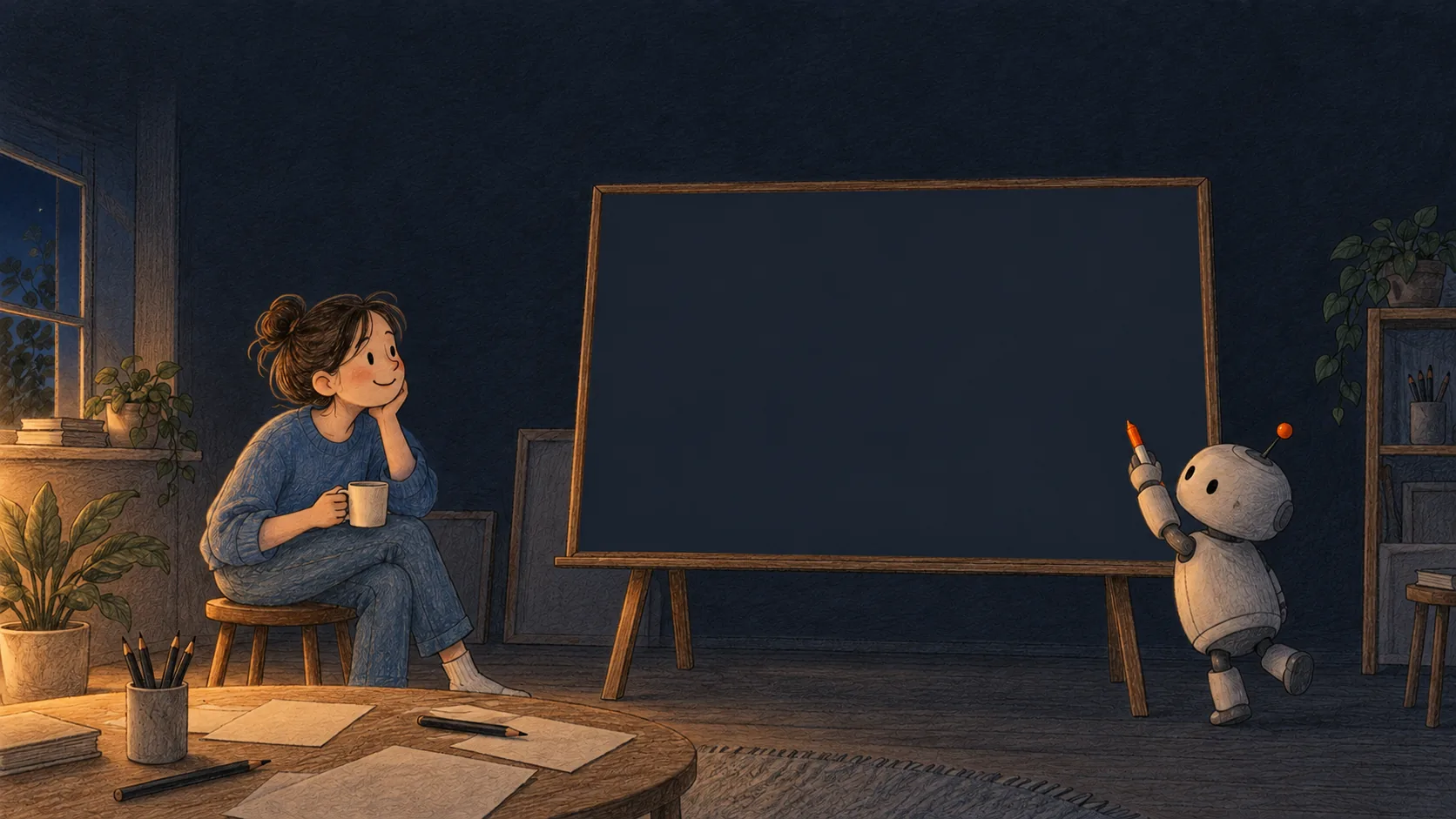
米色纸底,不用纯白。深色版是藏青墨纸加粉笔线,另画一张,不能把浅色图反相。Cream paper, never pure white. Dark mode is navy paper with chalk lines, drawn again, never an inverted copy.
2 · 石墨线2 · Graphite line
深灰褐,不是纯黑。线会轻微抖,转角处冲出去一点,画的圈首尾对不齐。Warm dark grey, never black. It wobbles, runs a little past corners, and loops do not quite close.
3 · 少量彩铅3 · A few pencils
颜色是来回涂的彩铅线,不是平涂。一张图里一种颜色只干一件事,大片纸面空着。Colour is back-and-forth pencil, not flat fill. Each colour has one job in a figure, and most of the paper stays empty.
4 · 手写批注4 · Hand lettering
图里的说明用手写体(文楷);代码和数字用等宽字。插画本身不写字,字由网页叠上去。Labels in a hand font (WenKai); code and numbers monospaced. Illustrations carry no words; the page lays text on top.
5 · 先线后色,一笔一笔5 · Ink, then colour
像一个人在画:按故事顺序,先勾线再上色(时间大约 2:1)。关掉动画时直接显示画好的样子。Like a person drawing: in story order, outline first and colour after (about 2:1). With motion off, the finished drawing shows.
用得越久,画得越像你要的样子The longer you use it, the more it draws your way
你挑的每一张、说的每一句「太密了」、留下或删掉的每张图,都记成口味日志里的一行;审查器的意见也记,只是分量轻。AI 画下一张图之前先跑 taste.mjs suggest,拿到按日志算出的参数再动笔。下面三张图是这套算法自己画的:曲线上每个点、每个数,都是 taste.js 在构建时真算出来的。Every drawing you pick, every "too dense" you say, every figure you keep or delete becomes a line in a taste log; reviewers' notes go in too, at a lower weight. Before an AI draws the next figure it runs taste.mjs suggest and draws with the values the log gives. The three figures below are drawn by the learner itself: every point and number is computed by taste.js at build time.
自己试一下:挑你喜欢的那一张,它会记住Try it: pick the one you like, it remembers
每一题只改一个参数,左右两张只差这一处。你选一次,参数就往你选的那边挪一点;说一句「颜色太多了」也算。审查器查出的客观问题(比如手机上字太小)会定一条下限,口味再怎么变也不越过去。下面的结果只存在你自己的浏览器里。Each question changes one setting; the two drawings differ only there. Every pick moves that setting a little your way; saying "too many colours" counts too. Objective problems a reviewer finds (labels too small on a phone) set a floor that taste never crosses. What you do here stays in your own browser.
现在的口味Current taste
灰色竖线是默认值,橙色是你的。Grey tick: house default. Orange: yours.
导出的文件交给命令行:node skills/graphite-design/scripts/taste.mjs import 文件,之后 AI 画图前跑 taste.mjs suggest 就按你的口味画。Hand the export to the command line: node skills/graphite-design/scripts/taste.mjs import file; an AI then runs taste.mjs suggest before drawing.
同一个题目,出图模型和代码各画了一张One brief, drawn twice: by an image model and by code
题目都是「小机器人在白板前准备画图,一个人在旁边看」。左边是本机 Codex 调 gpt-6-astra 出的图,右边是 sketch.js 画的。看完再定谁来画哪种图。Both got the same brief: a small robot about to draw on a whiteboard while someone watches. Left: gpt-6-astra through the local Codex CLI. Right: sketch.js. Decide who draws what after looking.
| 画什么What | 谁画得好Who does it better | 为什么Why |
|---|---|---|
| 大场景、电影画面、壁纸Big scenes, film stills, wallpapers | 出图模型Image model | 质感和光影代码画不出来;这些画面不需要每一笔都准确Code cannot match the texture and light; these pictures do not need every stroke to be exact |
| 框图、流程图、架构图Block, flow and architecture diagrams | 代码Code | 字要对、箭头要连对;出图模型会写错字、连错线Words and arrows must be right; image models misspell and miswire |
| 代码讲解、数学、算法动图Code, maths and algorithm animations | 代码Code | 每一步的数是真跑出来的,画面和代码行要同步Each step's numbers come from running it; the picture must keep pace with the code |
| 开场、比喻、片头Openings, metaphors, title shots | 两个一起Both together | 位图当舞台,代码在上面画会动的部分(本页首屏就是)The bitmap is the stage, code draws the moving parts on it (as in this page's hero) |
37 张图例,32 张会动37 figures, 32 of them animated
每张都由几十行代码画出来,源码、单独的 SVG 文件都能拿走。下面每类挑一张(「越用越懂你」那一类在上面),点进去看全部。Each is a few dozen lines of code; take the source or the standalone SVG. One per kind below ("learns your taste" is further up); click for all of them.
角色与道具 · 3Cast and props · 3
小机器人、人物、常用物件a robot, people, everyday objects
场景插画 · 2Scenes · 2
一幅画讲一个比喻one picture, one metaphor
电影画风 · 2Cinematic · 2
黑边、单一光源、镜头慢推letterbox, one light, a slow push
框图与架构 · 5Block and architecture · 5
请求沿着层往下走a request walking the layers
流程图 · 2Flowcharts · 2
小圆点走的快慢就是要讲的事the dot's speed is the point
代码大白话 · 5Code in plain words · 5
LRU 缓存:哪一行在跑,链表就怎么动an LRU cache: the running line moves the list
数学与算法 · 9Maths and algorithms · 9
方波是一圈圈正弦叠出来的,每项同色a square wave from circling sines, each term in its colour
数据图 · 2Charts · 2
手画坐标,数要对hand-drawn axes, right numbers
标注与叠层 · 4Marks and overlays · 4
圈、箭头、便签、终端卡rings, arrows, notes, terminal
拖一下进度条:每一秒的画面都是定的Drag the slider: every second is a fixed picture
动画全是 CSS,时间由代码算好写进去。所以能暂停、能逐帧拖,导出视频时第 300 帧永远是第 10 秒那个样子。The motion is plain CSS with times computed by code. So it pauses, scrubs frame by frame, and frame 300 of an exported video is always what second 10 looks like.
- 一支笔。One pen. 同一时间只画一样东西,每一笔的时长和它的长度成正比。One thing at a time; each stroke takes time in proportion to its length.
- 按故事顺序。Story order. 先场景,再主角,再动作,最后结果。不是从左到右扫。Setting, then the subject, then the action, then the result. Not a left-to-right sweep.
- 先线后色。Ink, then colour. 每组里勾线占三分之二的时间,上色占三分之一。In each group, outlines take two thirds of the time and colour one third.
- 一个时钟。One clock. 画面、代码高亮、计数都挂在同一条时间线上,所以永远对得上。Picture, code highlight and counter hang on one timeline, so they always agree.
- 关掉动画也完整。Complete with motion off. 系统设置了「减少动态效果」,就直接显示画好的结果。With reduced motion set, the finished drawing shows at once.
这个画风是从哪来的Where this look comes from
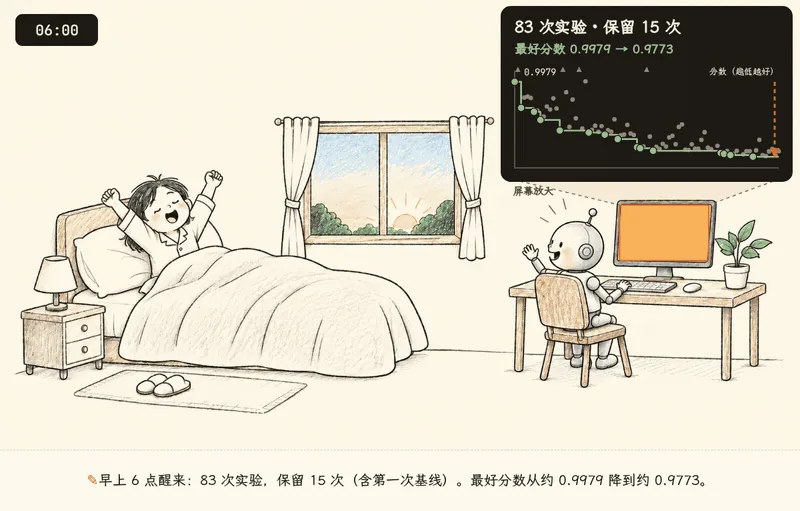
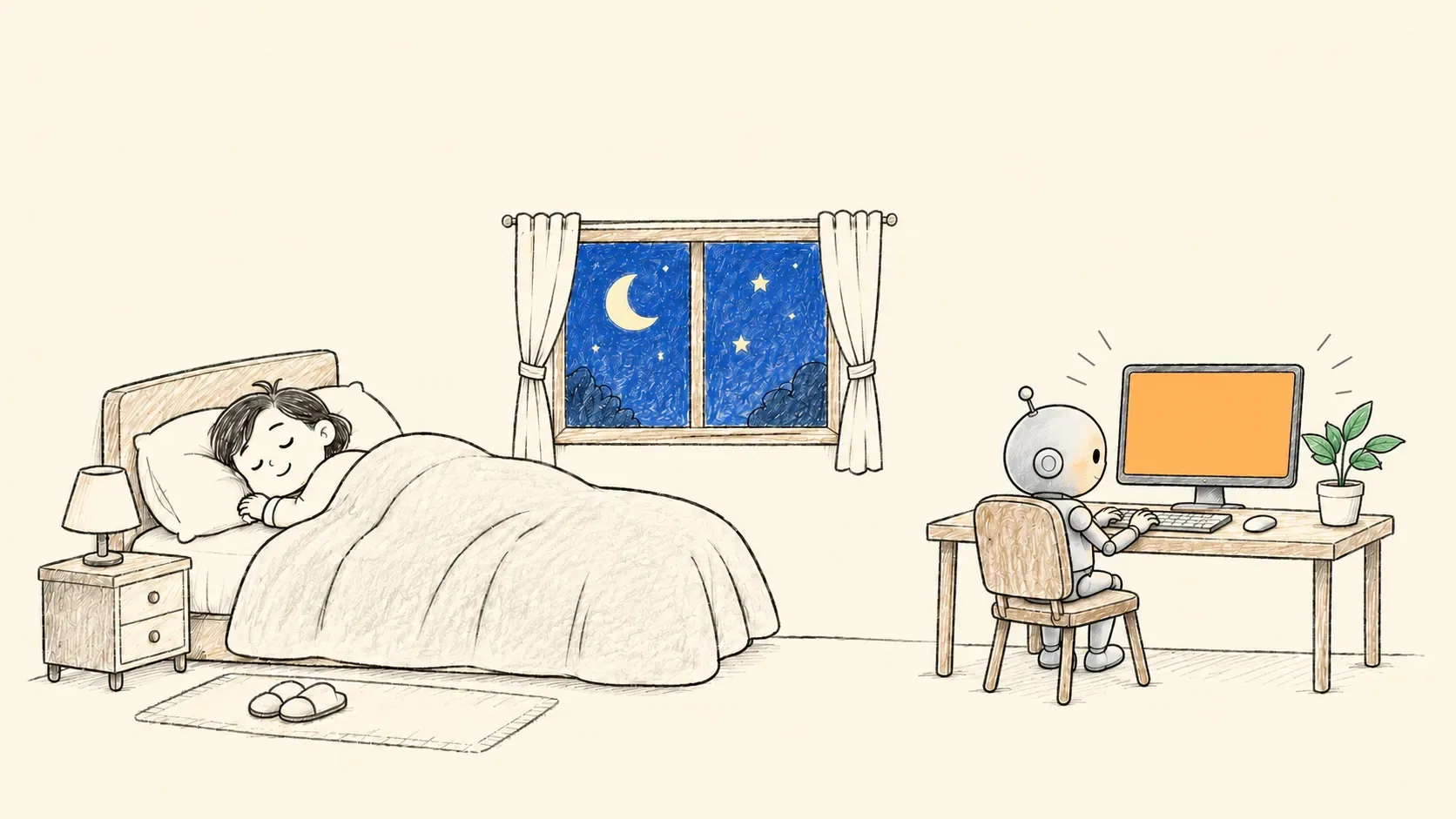
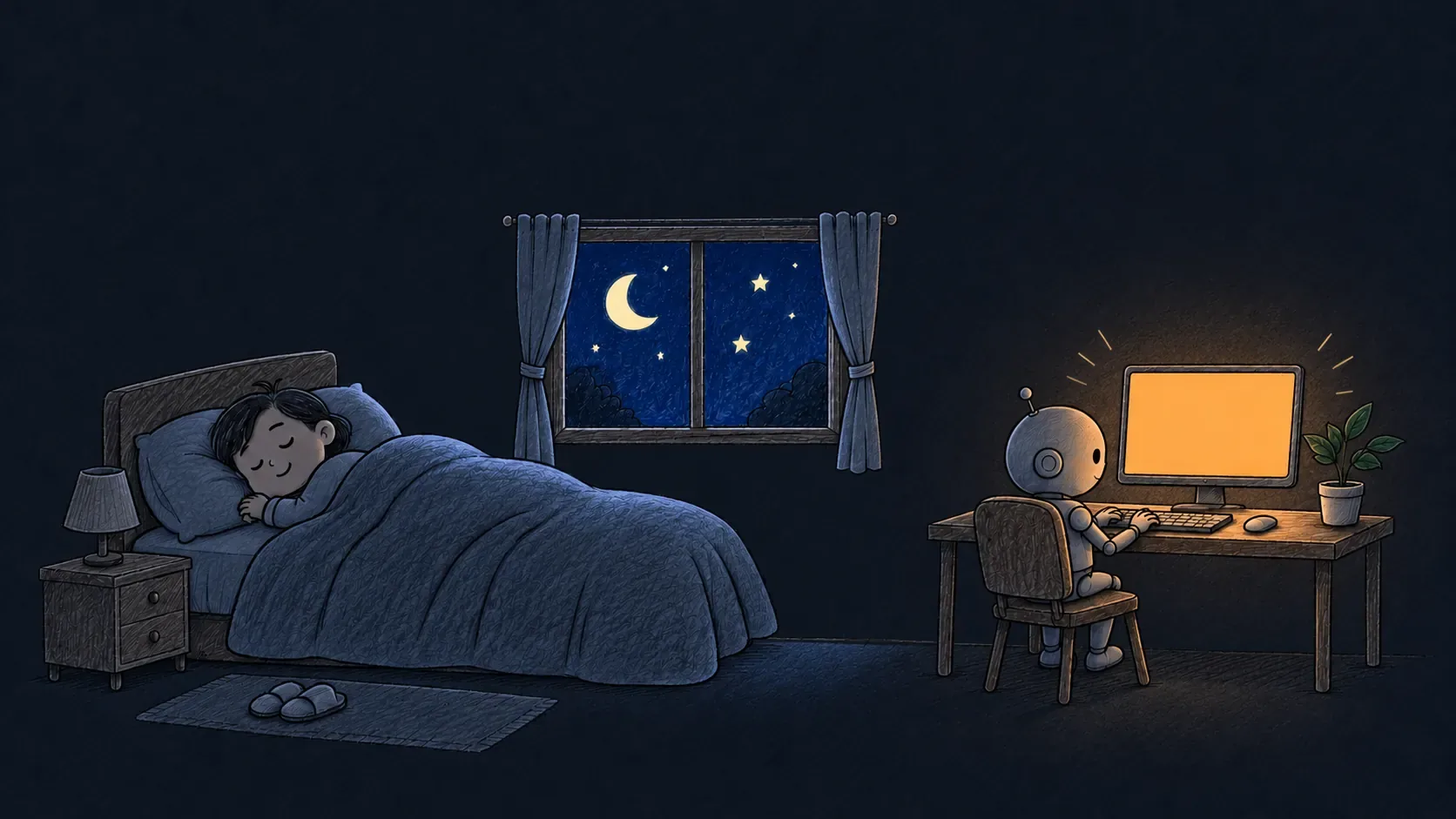
先在 ai-doc 的论文图解里用起来:讲 autoresearch 那一篇,开场是「人睡了,小机器人在电脑前替他做实验」。插画由出图模型画,屏幕上的数据由网页叠上去。画法最早借鉴自开源的 srt-whiteboard-animation(MIT)。It started in ai-doc's paper explainers: the autoresearch one opens with "the person sleeps while a small robot runs experiments". The image model drew the room; the page lays the data on the screen. The drawing technique was first borrowed from the open-source srt-whiteboard-animation (MIT).
说「手绘铅笔风」「白板动画」就会用上它Say "pencil sketch" or "whiteboard animation"
# 1 画图:代码在 templates/src/,用 sketch.js + props.js 画1 draw: code in templates/src/, drawn with sketch.js + props.js
node skills/graphite-design/scripts/build.mjs
# 2 出片:任何一张图或页面,逐帧导出 MP4 / GIF / PNG2 export: any figure or page, frame by frame, to MP4 / GIF / PNG
node skills/graphite-design/scripts/export.mjs video reel.html reel.mp4 --size=1280x720
# 3 口味:画之前问一下这个人喜欢什么,画完记下对方选了哪个3 taste: ask what this person likes before drawing; record what they picked after
node skills/graphite-design/scripts/taste.mjs suggest
node skills/graphite-design/scripts/taste.mjs say "颜色太多了"
完整说明在 SKILL.md;出图模型的提示词写法在 references/image-prompts.md。Full guide in SKILL.md; prompts for image models in references/image-prompts.md.